Email List Cleaning for Lower Bounce Rates and Better Inboxing
Clean your list before the campaign goes out. VeriMails helps teams remove invalid addresses, segment catch-all domains, and protect sender reputation.
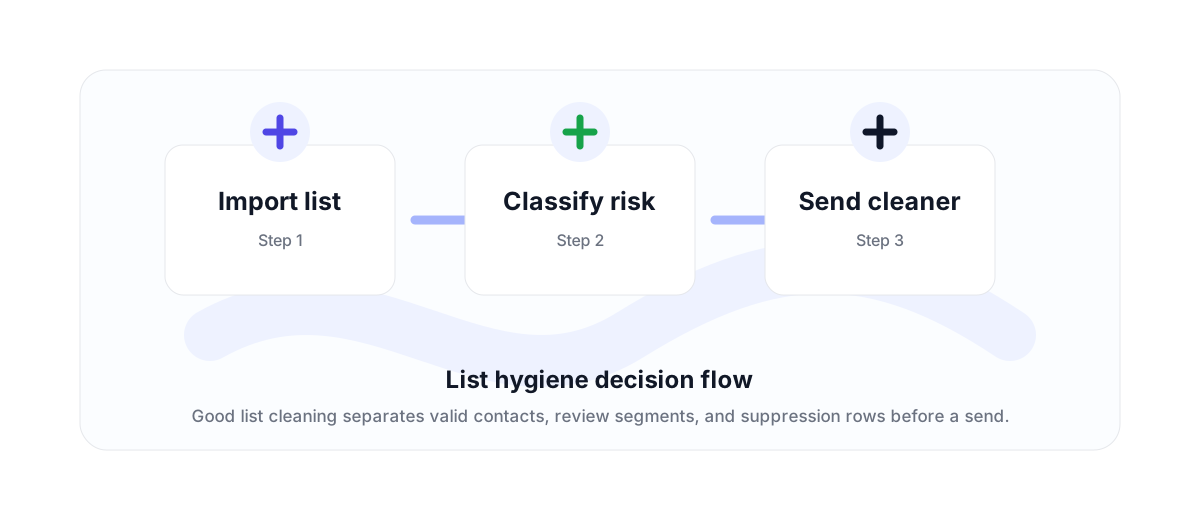
List cleaning is a deliverability workflow
Email list cleaning is not just deleting obvious typos. A serious cleanup process checks whether addresses are formatted correctly, whether the domain accepts email, whether the mailbox can be reached, and whether the address belongs to a disposable or role-based category.
For outbound, CRM, ecommerce, and newsletter teams, the goal is the same: keep the list usable while reducing hard bounces and obvious risk before the next send.
How to segment after verification
Valid results can usually stay in the send file. Invalid, disposable, and malformed addresses should be removed from the next campaign. Role-based addresses and catch-all domains often deserve their own segment, especially if the sender is warming a domain or working with a high-value account list.
A healthy bounce rate is usually under 3%. Once a list starts pushing above that range, list quality needs attention before the sender reputation cost compounds.
Clean before imports and launches
The best time to clean a list is before it enters a sequencer, ESP, CRM automation, or high-volume campaign. Cleaning after a poor send can help, but it does not undo the initial bounce spike.
Use the bulk email verifier for files and the API for live workflows where contacts enter the database one by one.
Why teams use this workflow
Use the right VeriMails workflow for the job: quick manual checks, full CSV cleaning, API automation, or verified contact finding.
How the workflow fits together
Every verification workflow should lead to a clear action: send, suppress, segment, correct, or review.
Import list
Start with the point where email quality affects revenue, deliverability, or data accuracy.
Classify risk
Run the right VeriMails workflow for the input: one address, a batch, or a file.
Send cleaner
Use the result to send, suppress, segment, correct, or review records before they move downstream.
Useful next pages
Keep moving through the workflow with the most relevant product, guide, pricing, or documentation page.
Email List Cleaning FAQ
Answers for teams comparing verification, cleaning, finder, API, and bulk workflows.
What is email list cleaning?
Email list cleaning is the process of checking a contact list and removing or segmenting addresses that are invalid, risky, disposable, role-based, or otherwise unsafe for the next send.
What bounce rate is healthy?
A bounce rate under 3% is generally healthy. Between 3% and 5% needs attention, and above 5% is high risk.
Should I delete catch-all addresses?
Not always. Catch-all domains should usually be segmented and handled based on campaign risk, domain warmth, and account value.
How often should I clean an email list?
Clean before major campaigns, after large imports, and whenever a list has been inactive long enough for addresses to decay.
Start with cleaner email data
Use VeriMails to verify addresses before they enter a campaign, database, product flow, or customer workflow.