Best Emailable Alternatives in 2026
Emailable is a broad email verification and deliverability platform. It gives you bulk verification, API checks, widgets, inbox reports, blacklist monitors, and flexible billing. If you only need to clean email lists, the broader bundle can cost more than the job requires.
VeriMails is the better Emailable alternative when you want lower-cost verification credits, clear exports, API checks, and catch-all detection without buying a larger deliverability suite. Keep Emailable on the shortlist if you need inbox reports, blacklist monitors, or its widget and trust-center ecosystem.
Emailable Alternative at a Glance
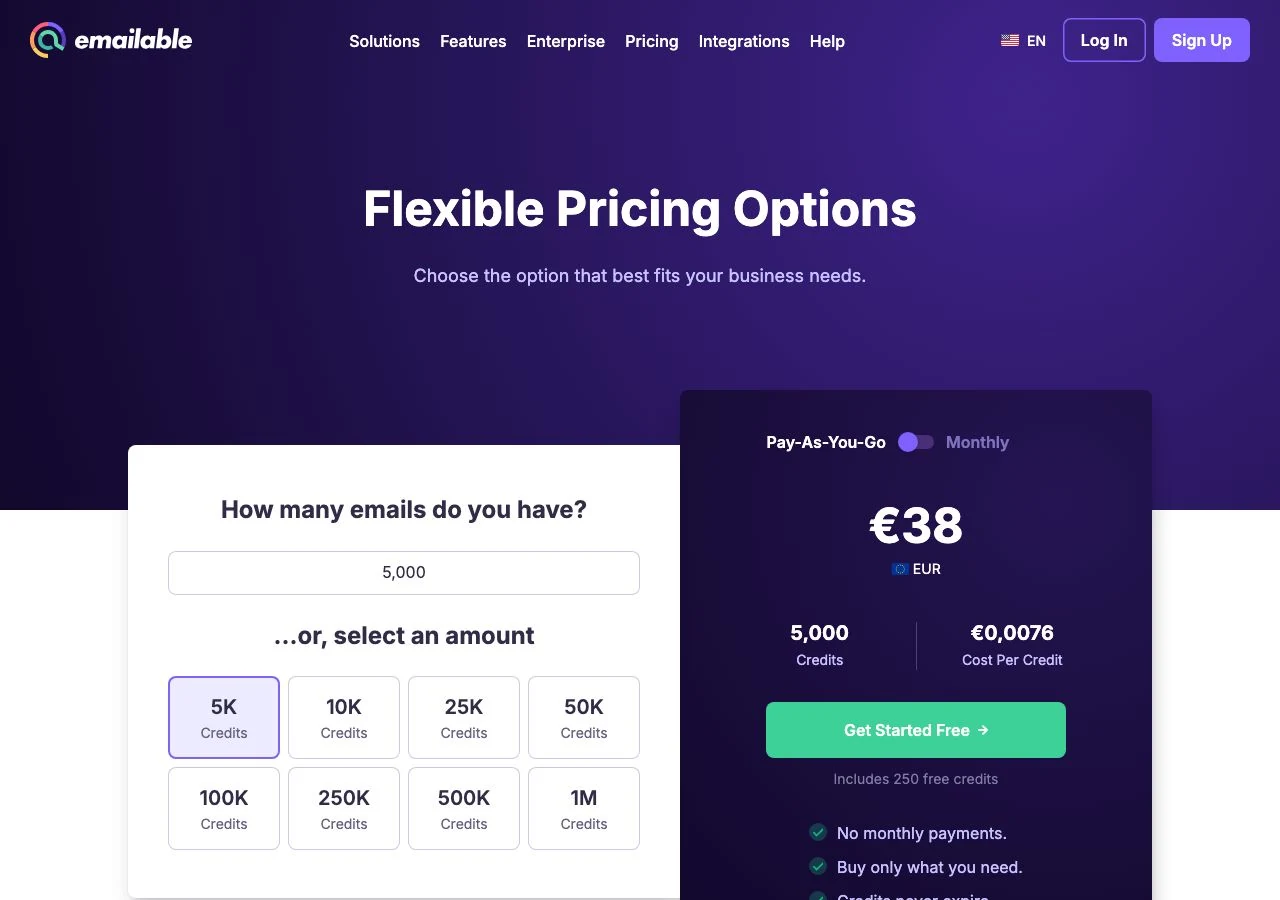
- 10,000 credits: Emailable's pricing calculator shows $60. VeriMails is $19.
- 100,000 credits: Emailable's pricing calculator shows $420. VeriMails is $99.
- 1,000,000 credits: Emailable's pricing calculator shows $2,100. VeriMails is $499.
- Free credits: Emailable lists 250 free credits. VeriMails gives 100 free credits.
Pricing checked May 25, 2026 against Emailable pricing page and calculator. Open the linked pricing page before purchase because checkout prices can change.
When Emailable Is the Right Tool
Emailable is a serious platform. Its public pricing page shows bulk verification, single verification, API checks, widget validation, inbox reports, and blacklist monitors. It also lists 250 free credits, credits that never expire, unknown results that are free, no hidden costs, and a 15% subscription saving. That is attractive if you want verification plus deliverability monitoring in one account.
The tradeoff is focus. Many buyers do not need inbox reports or blacklist monitors at the moment they are cleaning a CSV. They need to remove bad addresses before a campaign, protect sender reputation, and keep a CRM or ESP from filling with stale records. If that is your job, the comparison should start with credit cost and result clarity.
Use the same sample file in both products. Include confirmed bounces, disposable domains, role addresses, catch-all domains, and recent valid customers. Then decide whether Emailable's wider toolkit matters enough to pay more. The deeper product comparison is in VeriMails vs Emailable.
Pricing: A Focused Verifier Costs Less
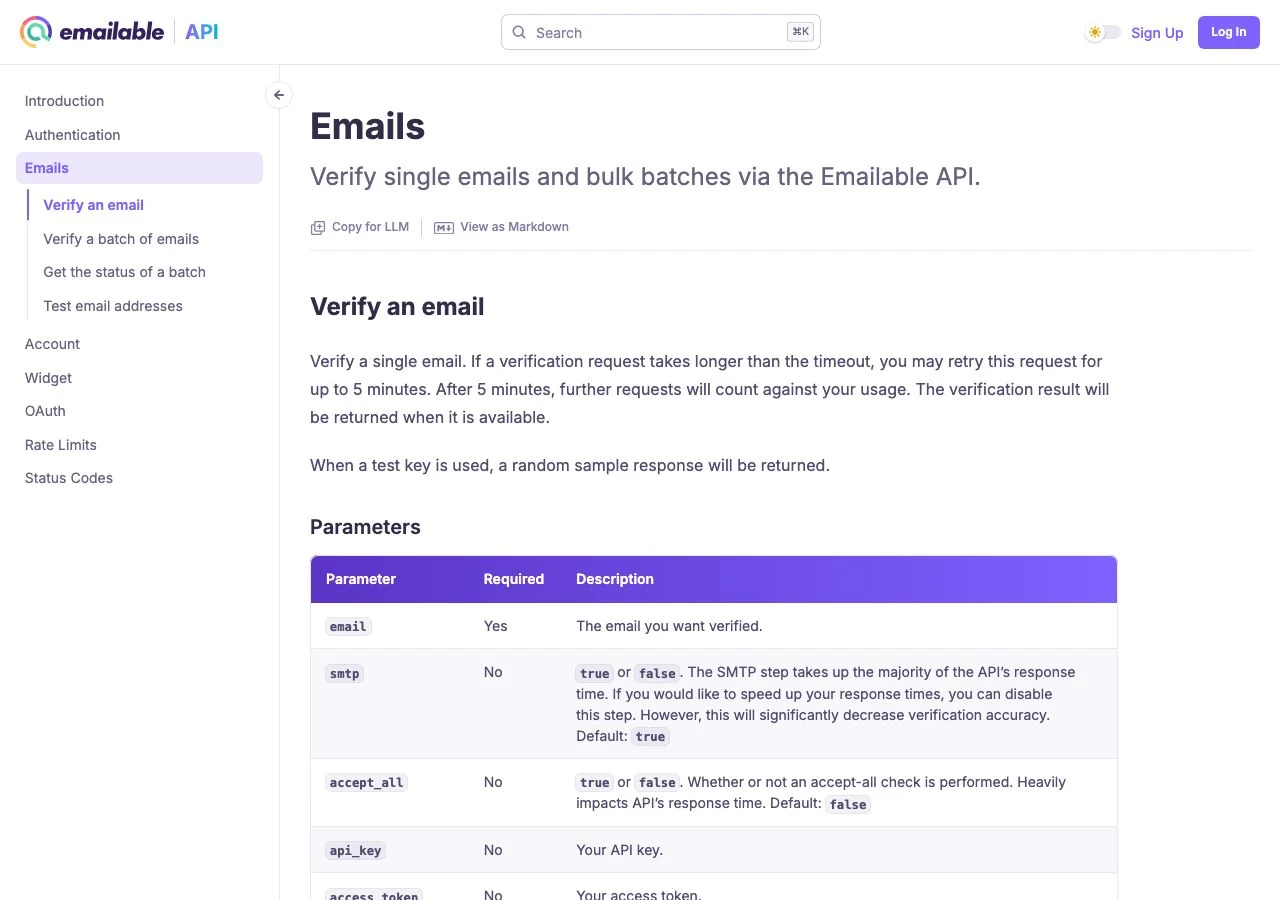
Emailable's current pricing page confirms the credit model, 250 free credits, non-expiring credits, free unknown results, and 1-credit verification across bulk, verifier, API, and widget. Its visible page can load prices dynamically, so use the checkout before purchase. Its pricing calculator shows one-time USD credit packs at $60 for 10,000, $420 for 100,000, and $2,100 for 1,000,000.
VeriMails charges $19, $99, and $499 for those same list sizes. That is about 68% less at 10,000 and about 76% less at 100,000 and 1,000,000. If you clean a list once a year, that is useful. If you clean weekly exports or client files, it changes what you can afford to verify.
Emailable's 250 free credits are generous for a small test. VeriMails gives 100 free credits with no credit card required. After the test, the paid credit ladder matters more. You want a price that lets you verify every meaningful list, not only the lists that look risky enough to justify the spend.
What to Keep When You Switch
Do not switch to a cheaper tool if it forces you to give up the checks that protect a campaign. Keep syntax checks, MX and DNS checks, live mailbox signals where receiving servers allow them, disposable detection, role-based detection, and catch-all detection. Keep export labels that your campaign owner can understand without a spreadsheet ritual.
VeriMails is built around that decision path. Valid addresses can continue. Invalid and disposable addresses should be suppressed. Role-based addresses can be kept or removed based on the campaign. Catch-all results stay separate because they are not confirmed mailboxes. That result model works for bulk verification and API verification.
If you need to fill missing person-level emails before verification, use Email Finder. It costs 20 credits only when VeriMails returns a verified email. At the 10,000-credit tier, that is $0.038 per found email.
Who Should Choose VeriMails Instead
Choose VeriMails if your team wants to clean lists, protect campaigns, and spend less per address. That usually fits outbound teams, agencies, recruiters, SaaS companies, e-commerce brands, nonprofits, and any operator cleaning contact data before a send. You get the core checks, a straightforward API, and a credit ladder that does not punish you for volume.
Choose Emailable if the surrounding deliverability suite is part of the purchase. Inbox placement reports, blacklist monitoring, and a widget can be useful. They are not free, though. Someone needs to own those outputs and act on them. If nobody will, you are better off buying focused verification and putting the savings into cleaner campaigns.
Start small either way. Verify a sample, check the labels, download the export, and calculate the real cost at the next three volumes you expect to clean. For a wider shortlist, read the best email verification tools guide and the cheapest verification services guide.
Quick Decision Table
| Decision | Choose VeriMails | Choose Emailable | What to check |
|---|---|---|---|
| Lower verification cost | $19 for 10K; $99 for 100K; $499 for 1M | Calculator returned $60 for 10K; $420 for 100K; $2,100 for 1M | Confirm final Emailable checkout pricing before purchase. |
| Free credits | 100 free credits | 250 free credits | Use the free tier to test the same sample file. |
| Unknown handling | Keep unknowns separate for review | Emailable says unknown results are free | Look at final charged credits after the sample job. |
| Deliverability extras | Focused verification and Email Finder | Inbox reports, blacklist monitors, widget | Only pay for extras if someone will use them. |
| API and bulk | Same credit model for API and CSV | 1 credit for bulk, verifier, API, and widget | Compare response labels and export columns. |
- Test the same CSV in Emailable and VeriMails.
- Confirm the current Emailable checkout price before a large purchase.
- Decide whether inbox reports and blacklist monitors are needed now.
- Keep catch-all results separate from fully verified addresses.
- Compare Email Finder cost if your file is missing contacts, not only dirty.
Frequently Asked Questions
Start with Clean Data
100 free credits on signup. No credit card required. Verify a sample before the next list goes live.
Start Free