VeriMails vs DeBounce
Both VeriMails and DeBounce help teams clean email lists before they send. DeBounce is a strong, established verifier with published credit pricing, broad integrations, a form widget, and optional catch-all validation. VeriMails is the simpler fit when the job is to verify an existing list, review the risky groups, and export a cleaner file without buying extra workflow pieces.
At a Glance
| Category | VeriMails | DeBounce |
|---|---|---|
| Best fit | Simple email list cleaning before campaigns, imports, and signup checks | Feature-rich verification with add-ons, integrations, and a public calculator |
| Starting point | 100 free credits, no credit card required | 100 free credits, no credit card required |
| Credit policy | Prepaid credits stay available until used | DeBounce says credits never expire and packages are valid until used |
| Standard validation | One credit verifies one submitted email | DeBounce says one validation credit equals one email verification |
| Catch-all workflow | Separate catch-all results for review before sending | Catch-all validation is listed as 10 credits per validation |
| Bulk cleanup | CSV upload, result groups, export | CSV/TXT upload, selectable downloads, free deduplication |
| API and forms | Focused verification API for signup, import, and batch workflows | API included, plus a real-time validation widget for forms |
DeBounce Product Snapshot
What This Means for Buyers
This is a close comparison because DeBounce is not a thin add-on. It is a dedicated email verification product with serious list-cleaning features. If you want a mature verifier with low published high-volume pricing, a form widget, many ESP and CRM integrations, free deduplication, selectable downloads, and optional monitoring, DeBounce deserves a look.
The reason to choose VeriMails is not that DeBounce is weak. It is that many buyers do not need the surrounding feature set. A sales team, marketer, recruiter, ecommerce operator, founder, or agency owner often wants to answer a narrower question: which records in this file should we send to, which should we remove, and which need review?
For that job, VeriMails keeps the buying and workflow simpler. You verify the list, keep valid records separate from invalid and uncertain records, and export a file your team can actually use. DeBounce becomes more attractive when you want the wider toolkit around the verifier, especially its form widget, integrations, and separate catch-all validation option.
| Buying question | Choose VeriMails when... | Choose DeBounce when... |
|---|---|---|
| What is the immediate job? | Clean an existing list before a campaign, CRM import, or outreach sequence. | Use verification plus extra tools such as monitoring, enrichment, or a form widget. |
| Who owns the workflow? | A campaign owner needs clean export groups. | A marketing ops or website owner wants verification embedded across tools. |
| What matters most? | Clarity of valid, invalid, catch-all, risky, and unknown records. | Lower published high-volume pricing and a broader feature menu. |
| How should uncertain records be handled? | Keep them separate and decide based on send risk. | Use DeBounce's dedicated catch-all validation workflow when the extra credit cost is worth it. |
Pricing, Credits, and Add-ons
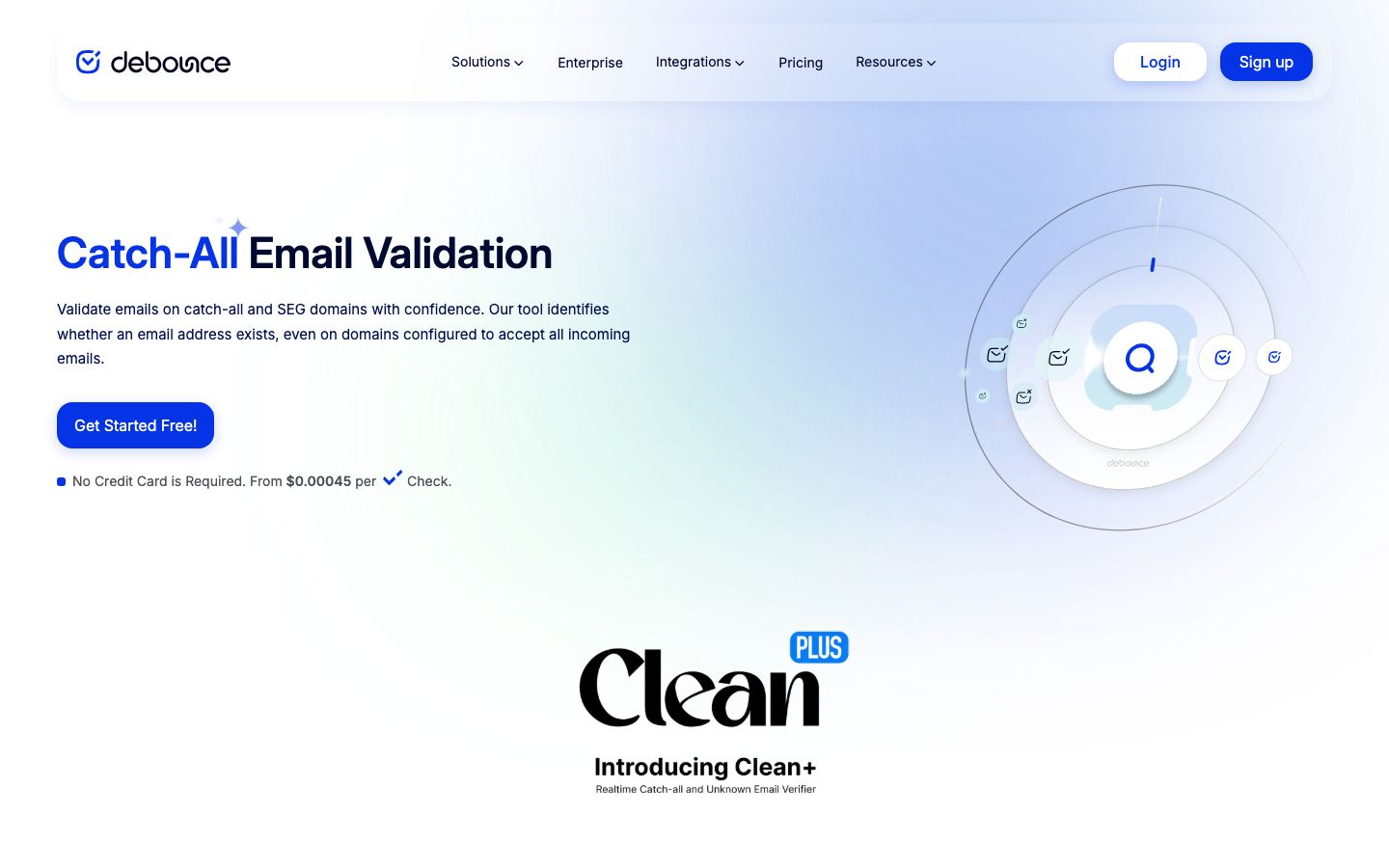
DeBounce's pricing page is unusually transparent for this market. It says accounts include 100 free credits, standard email validation uses one credit per validation, credits never expire, all packages are valid until fully used, all features are included, API access does not require separate credits, and prices include taxes and fees. It also advertises high-volume pricing from $0.00045 per check.
The important buyer detail is that not every DeBounce feature consumes credits the same way. DeBounce lists data enrichment at 20 credits per successful detection, catch-all validation at 10 credits per validation, and list monitoring at twice the list size per month. That does not make DeBounce expensive by default, but it means buyers should compare the workflow they plan to use, not only the headline validation rate.
VeriMails keeps the pricing lens narrower. One credit verifies one submitted email address, and prepaid credits stay available until used. That is simpler for teams that only need list cleanup and do not want add-on credit math around enrichment or monitoring.
| Cost factor | VeriMails | DeBounce | Buyer takeaway |
|---|---|---|---|
| Free test | 100 free credits | 100 free credits | Test both with your own list before deciding. |
| Standard validation | One credit per submitted email | One validation credit per email verification | Comparable for ordinary list cleaning. |
| Credit expiry | Prepaid credits stay available until used | Credits never expire, according to DeBounce | Both work for uneven campaign volume. |
| Catch-all validation | Catch-all records are grouped for review | Listed at 10 credits per validation | DeBounce's extra catch-all workflow may be worth it on high-value B2B lists. |
| API access | Included with the verification workflow | Included without separate API credits | Both are developer-friendly enough for most teams. |
Check the live DeBounce pricing calculator before buying. Published rates and feature credit costs can change, and add-ons matter if your list has many catch-all or unknown records.
VeriMails Credit Pricing
| Credits | VeriMails Price | Price per Email |
|---|---|---|
| 10,000 | $19 | $0.0019 |
| 25,000 | $39 | $0.00156 |
| 50,000 | $59 | $0.00118 |
| 100,000 | $99 | $0.00099 |
| 250,000 | $199 | $0.000796 |
| 500,000 | $349 | $0.000698 |
| 1,000,000 | $499 | $0.000499 |
| 2,500,000 | $999 | $0.0004 |
| 5,000,000 | $1,499 | $0.0003 |
VeriMails credits never expire. Email Finder costs 20 credits only when VeriMails returns a verified person-level email. At the 10,000-credit pack, that is $0.038 per found email. Monthly plans start at $12.50/mo when billed yearly.
Bulk Cleanup, API, and Integrations
For one-time CSV cleanup, the most important workflow is not glamorous. Upload the file, verify the email column, review the result groups, and export the safest segment. VeriMails is built around that path, which keeps it straightforward for non-technical teams that need to move quickly before a campaign.
DeBounce is stronger when verification needs to sit inside more places. Its public pages highlight an API, a real-time validation widget, WordPress and WooCommerce support, Zapier, HubSpot, Mailchimp, MailerLite, ActiveCampaign, Mailjet, Brevo, Drip, Klaviyo, and many other integrations. If your team wants email checks across forms, marketing tools, and automations, that breadth is meaningful.
| Workflow | Better fit | Why |
|---|---|---|
| Clean a cold outreach CSV | VeriMails | The buyer needs result groups and a clean export more than extra tools. |
| Validate signup forms | DeBounce | Its real-time validation widget is a ready-made form feature. |
| Check emails through an API | Both | Both include API access for real-time and bulk verification workflows. |
| Connect to an ESP or CRM | DeBounce | DeBounce publicly lists a broad integration directory for email and CRM tools. |
| Send a cleaned client export | VeriMails | Clear review groups make client deliverables easier to explain. |
Catch-all, Unknown, and Risky Records
Catch-all and unknown records are where verification buyers can make expensive mistakes. A record can look promising but still carry enough uncertainty to hurt a campaign if it is mixed into the main send. DeBounce recognizes this problem directly. Its catch-all page positions the product around validating catch-all and unknown emails, and its pricing page lists catch-all validation as a separate 10-credit workflow.
VeriMails takes a review-first approach for teams that want control before sending. Instead of treating uncertain records like confirmed deliverable emails, it keeps them visible as separate result groups. That lets a buyer suppress them for reputation-sensitive campaigns, refresh the source data, or test them slowly with lower-risk sending.
The right answer depends on list value. If each potential B2B lead is worth a lot, spending more credits to resolve uncertain records may make sense. If the list is a newsletter, ecommerce export, old CRM segment, or broad cold outreach file, separating uncertain addresses and protecting the main send is usually the safer first move.
| Result type | Safe buyer action | Why it matters |
|---|---|---|
| Valid | Use after deduplication and consent checks. | These records are the safest group for ordinary sending. |
| Invalid | Suppress before import or campaign launch. | Sending to them raises bounce risk. |
| Catch-all | Keep separate, then decide whether to suppress, test, or run extra validation. | These records can be valuable but are less certain than confirmed deliverable records. |
| Unknown | Refresh the source or test carefully. | The verification result is too uncertain for a normal campaign segment. |
| Risky | Use only with a clear reason and a cautious sending plan. | Risky groups can damage sender reputation if handled casually. |
Regional and Multilingual Lists
European and multilingual lists often include role addresses, local business domains, older CRM exports, and addresses gathered across different systems. The practical requirement is the same in every country: do not let bad or uncertain addresses enter the same send segment as your best records.
VeriMails is a good fit when regional teams need a straightforward hygiene workflow. DeBounce is a good fit when the same team also wants a form widget or native integrations with the tools that collect regional subscribers and customers.
| Regional use case | Recommended approach | Tool fit |
|---|---|---|
| Clean a French, German, or Nordic CRM segment | Verify, separate uncertain records, export the safest group. | VeriMails |
| Protect localized signup forms | Check addresses before they enter the database. | DeBounce if the widget is the priority; VeriMails if API workflow is enough |
| Prepare ecommerce customer exports | Suppress invalids and keep catch-all records out of high-stakes sends. | VeriMails |
| Sync validation with email tools | Use native integrations where they reduce manual export work. | DeBounce |
Which Should You Choose?
Choose VeriMails if...
- You already have a list and need to clean it before a send.
- You want straightforward credit usage for email verification.
- You need clear groups for valid, invalid, catch-all, risky, and unknown records.
- You are preparing campaign, recruiting, ecommerce, agency, or CRM exports.
Choose DeBounce if...
- You want a mature verifier with a public pricing calculator.
- You need a real-time form validation widget.
- You rely on DeBounce's listed ESP, CRM, WordPress, WooCommerce, or Zapier integrations.
- You are willing to spend extra credits on catch-all validation, monitoring, or enrichment when it improves the outcome.
Public Sources
This comparison uses public-facing DeBounce and VeriMails pages. Confirm live pricing and feature costs before purchasing because vendor pages can change.
Verification Accuracy
Both VeriMails and DeBounce can help reduce bad addresses before a campaign. The difference is how clearly the result fits your next send: VeriMails keeps valid, invalid, disposable, role-based, catch-all, and unknown rows separate for decision-making.
Use a recent sample from your own CRM, not a perfect test list. The addresses that matter are the ones you plan to mail this week: old leads, imported contacts, role inboxes, catch-all domains, and records from mixed sources.
Who VeriMails Is Best For
Choose VeriMails when verification is the job and you want the result before the send.
- You already have a list and need to clean it before a campaign.
- You want prepaid verification credits that never expire.
- You need API and CSV verification without paying for a larger sales platform.
Who DeBounce Is Best For
Choose DeBounce when its broader product strengths match the job you are buying for.
- Choose DeBounce when its existing dashboard, integrations, or deliverability features already fit your workflow.
- Choose it when you value that specific result model or account setup more than lower self-serve verification pricing.
- Choose it when your team has already standardized on its exports, API fields, or support process.
Frequently Asked Questions
Why teams switch to VeriMails
“We verify every checkout email through the API. Catches typos and disposable addresses before they become customer records. Setup took half a day.”
— Nina F. — Product Manager at Subscription Box Company, Germany
“The catch-all detection is what sold us. Our old tool marked 30% of our B2B list as unknown. VeriMails tells us which catch-all addresses to keep and which to skip. That's the difference between guessing and knowing.”
— Stephanie W. — Demand Gen Manager at Cybersecurity Company, United States
Related Comparisons
Try VeriMails Free
100 free credits on signup. No credit card required. See why teams switch to VeriMails.
Start Free